
How it works
From “what’s your LinkedIn?” to a forming group.
One agent across web and iMessage. You answer a few things; compatible roommates and an apartment your group can afford surface with the reasoning attached.
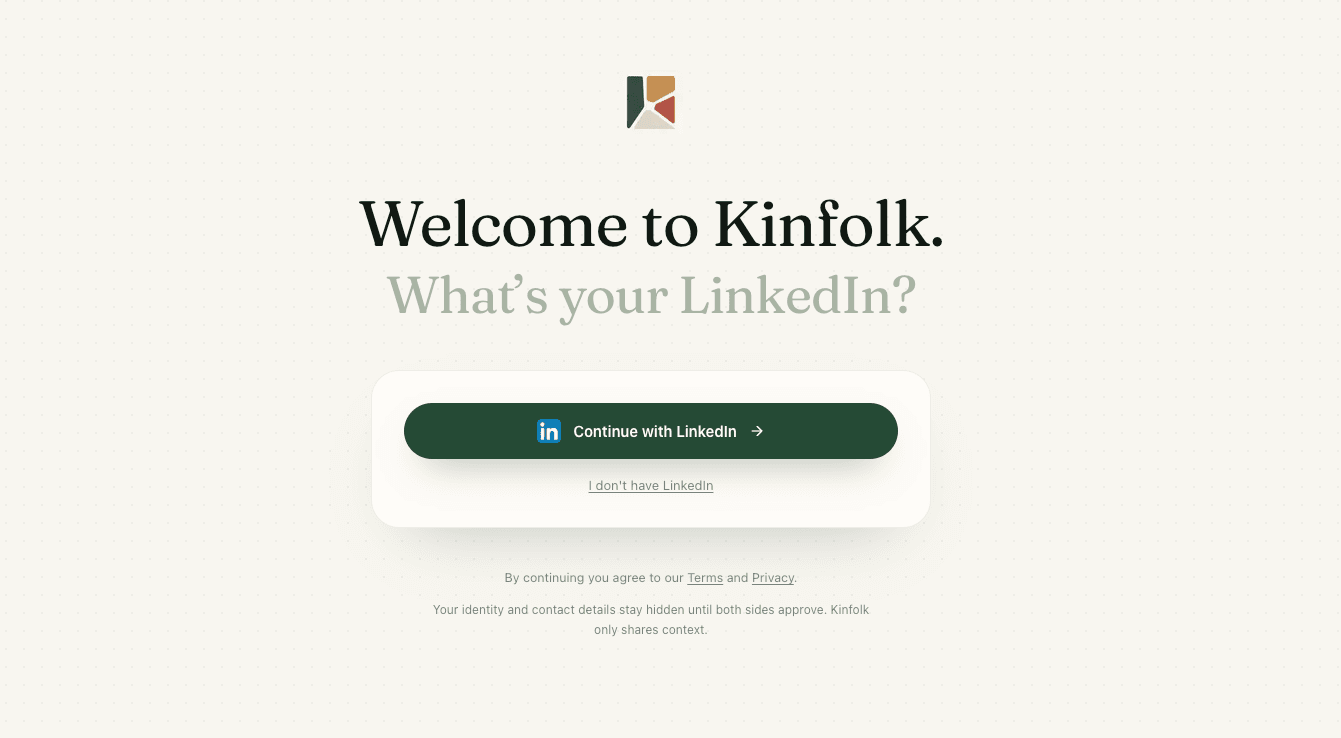
What’s your LinkedIn?
One tap to sign in. Your identity stays hidden until both sides approve — Kinfolk shares only context.
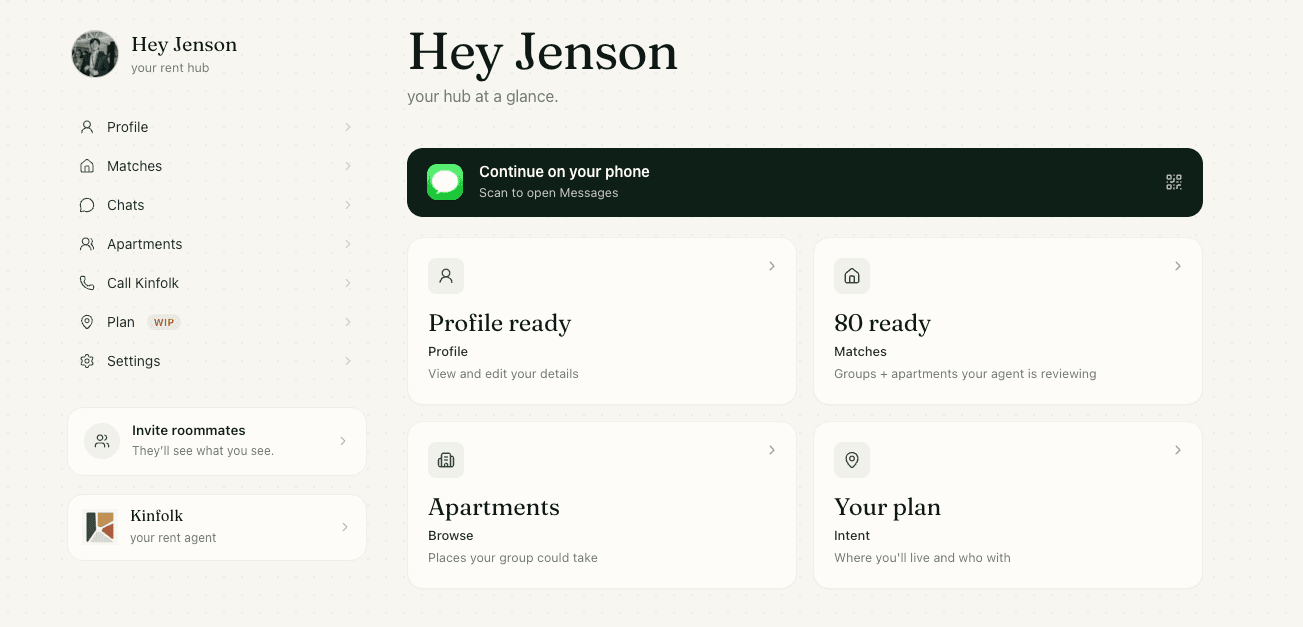
Hey Jenson.
Profile ready, 80 matches already in review. Browse on the web, or scan to continue on your phone.
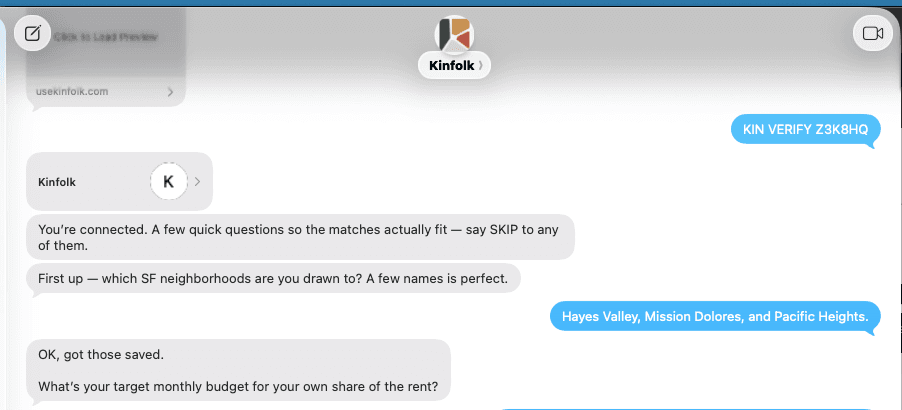
A few quick questions.
Text KIN VERIFY and the agent learns the rest — neighborhoods, budget — the read no form catches.
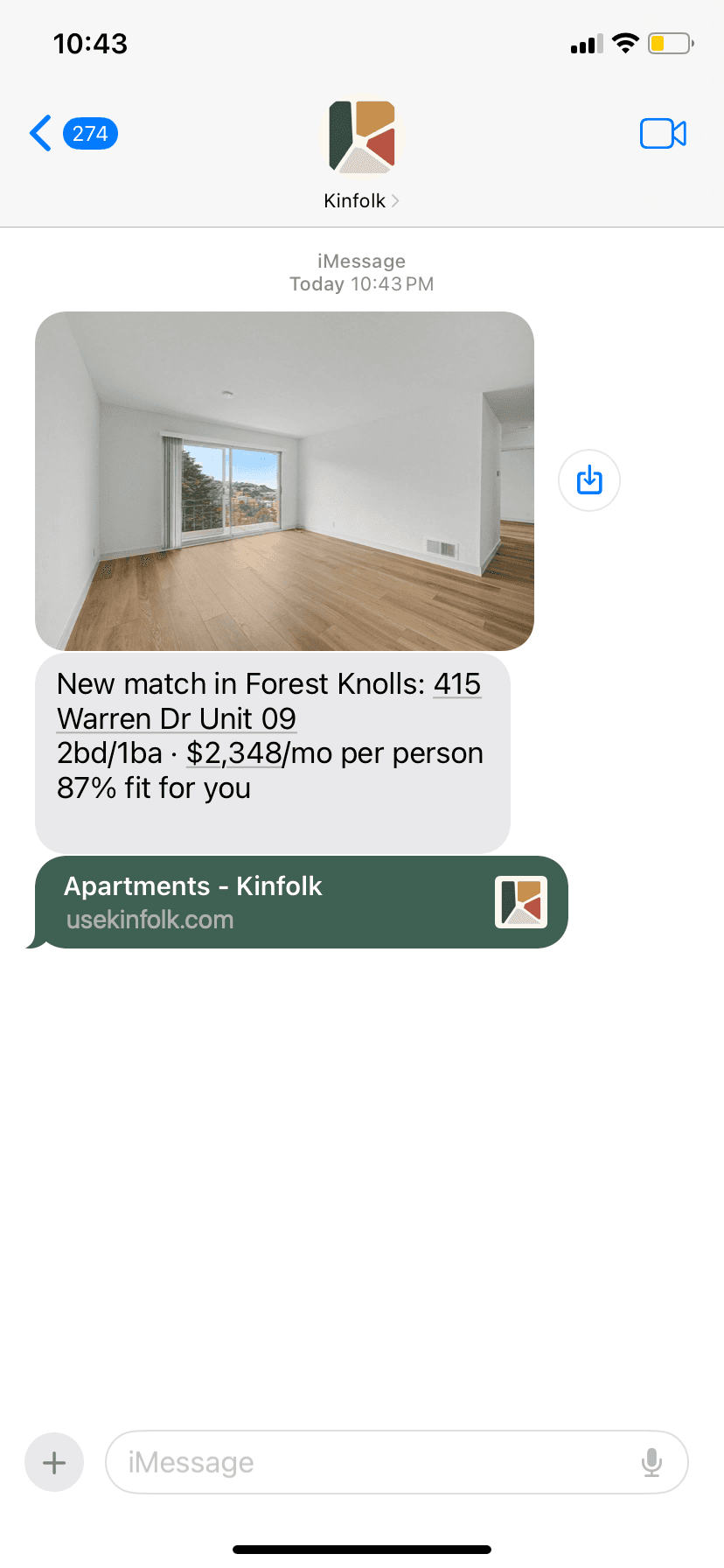
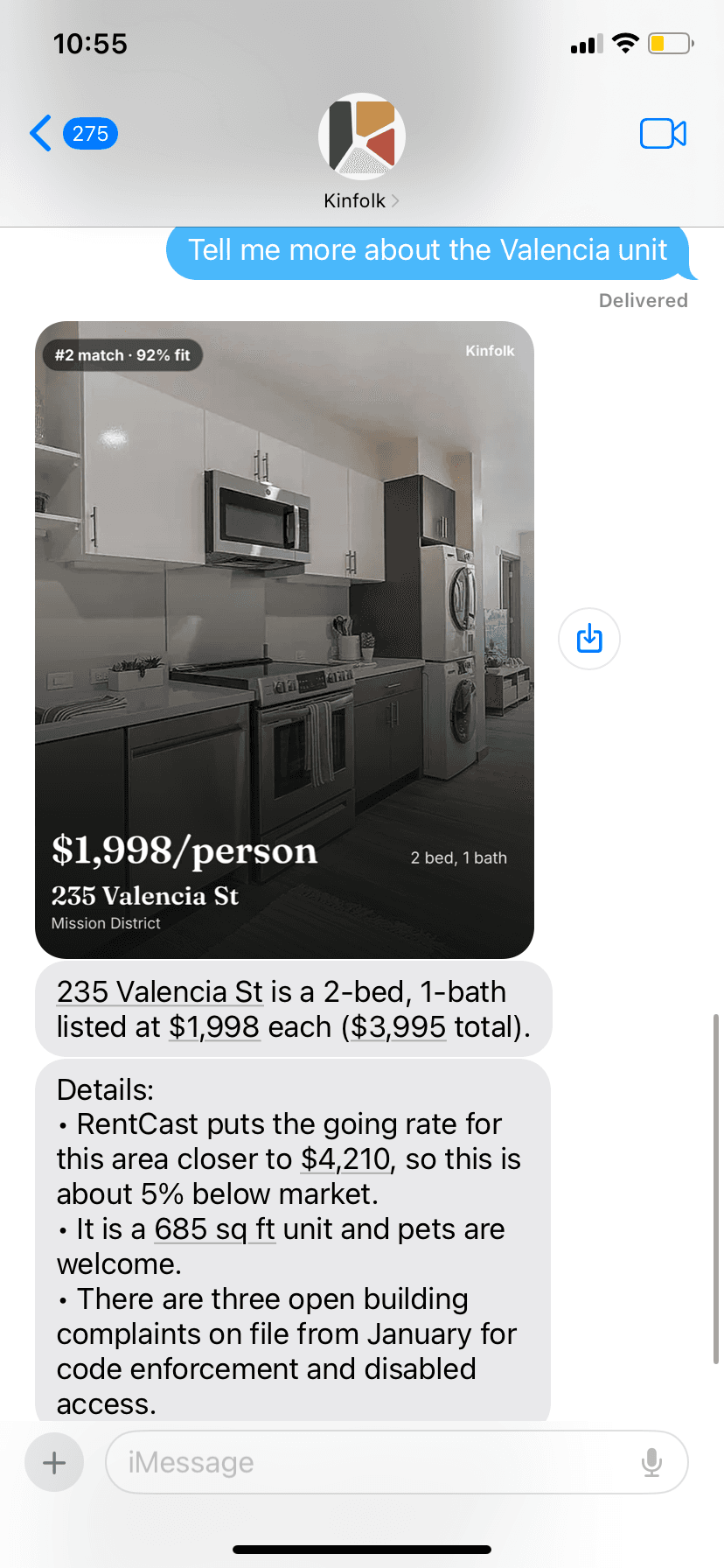
New match, texted.
A fit lands in iMessage — photo, per-person rent, and a % fit. No dashboard refresh required.
Tell me more.
Comps, square footage, pet policy — even open building complaints on file. Just ask in the thread.
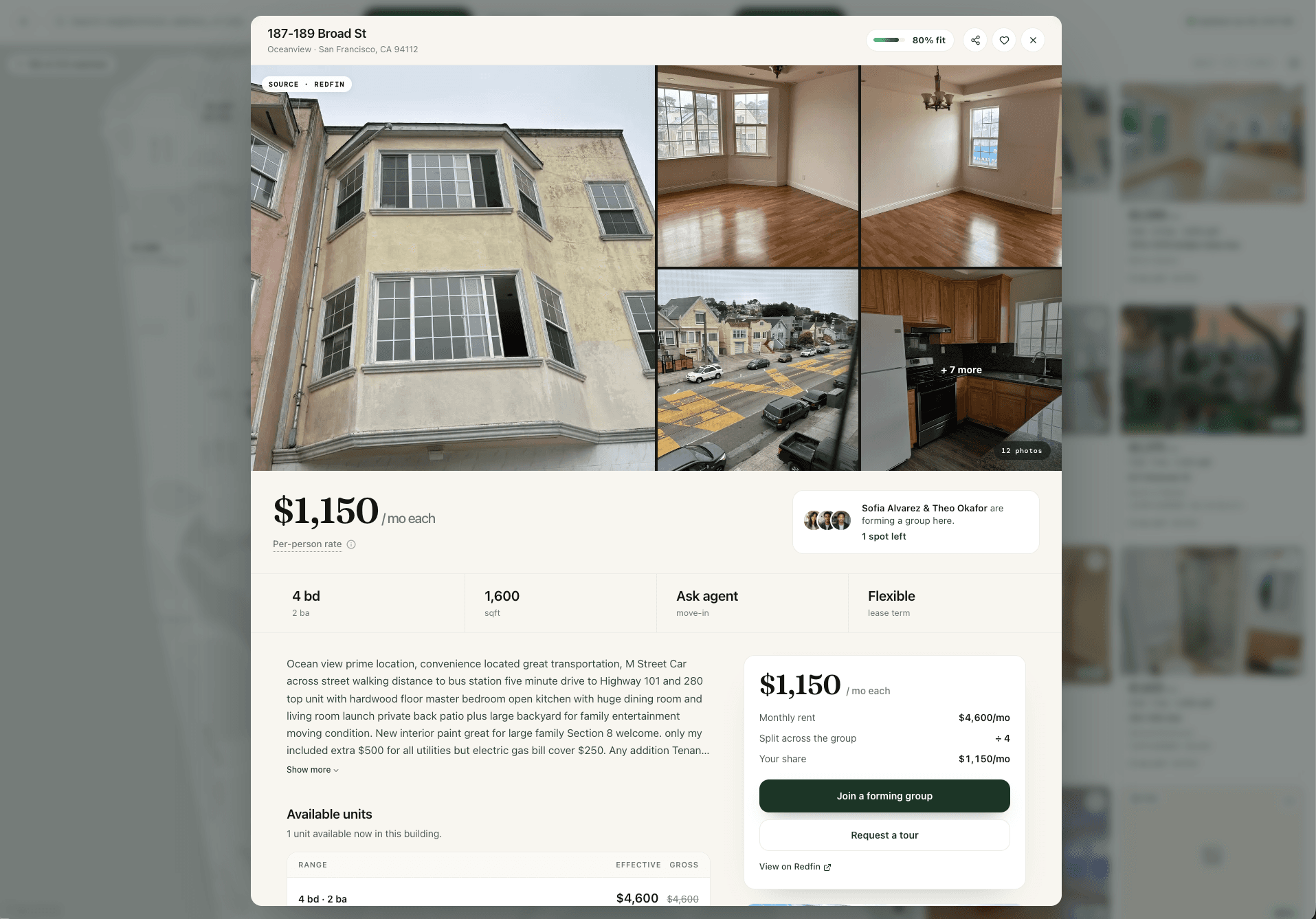
1 spot left.
Per-person rent, the split, a forming group — join it or request a tour, back on the web.
Onboard, enrich, match, decide. Quiet until it has something worth your time.
Talk to Kinfolk